
AI design examples and inspiration
Explore public Studio projects and featured design examples. Open a canvas to see the work, then log in to make your own copy.

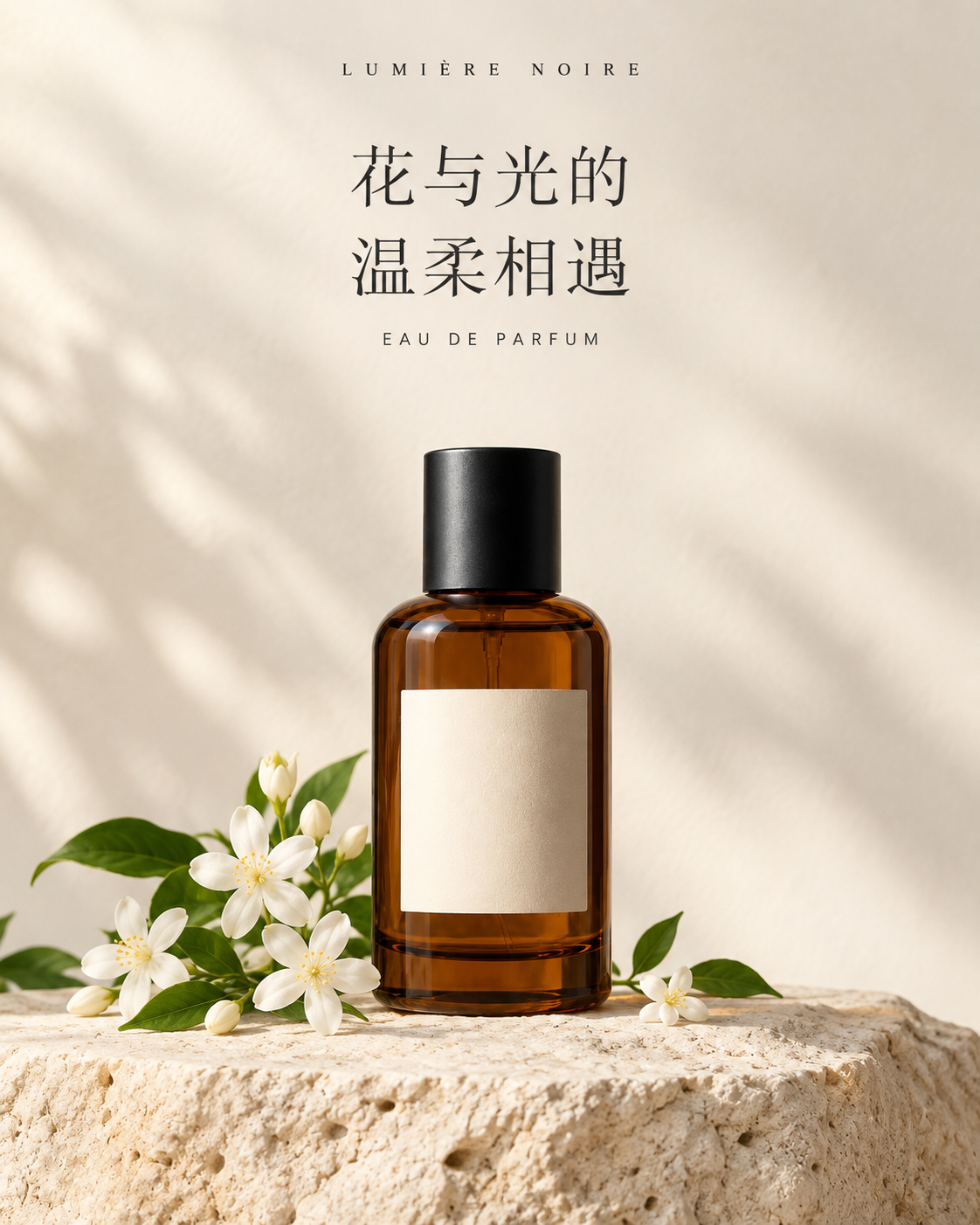

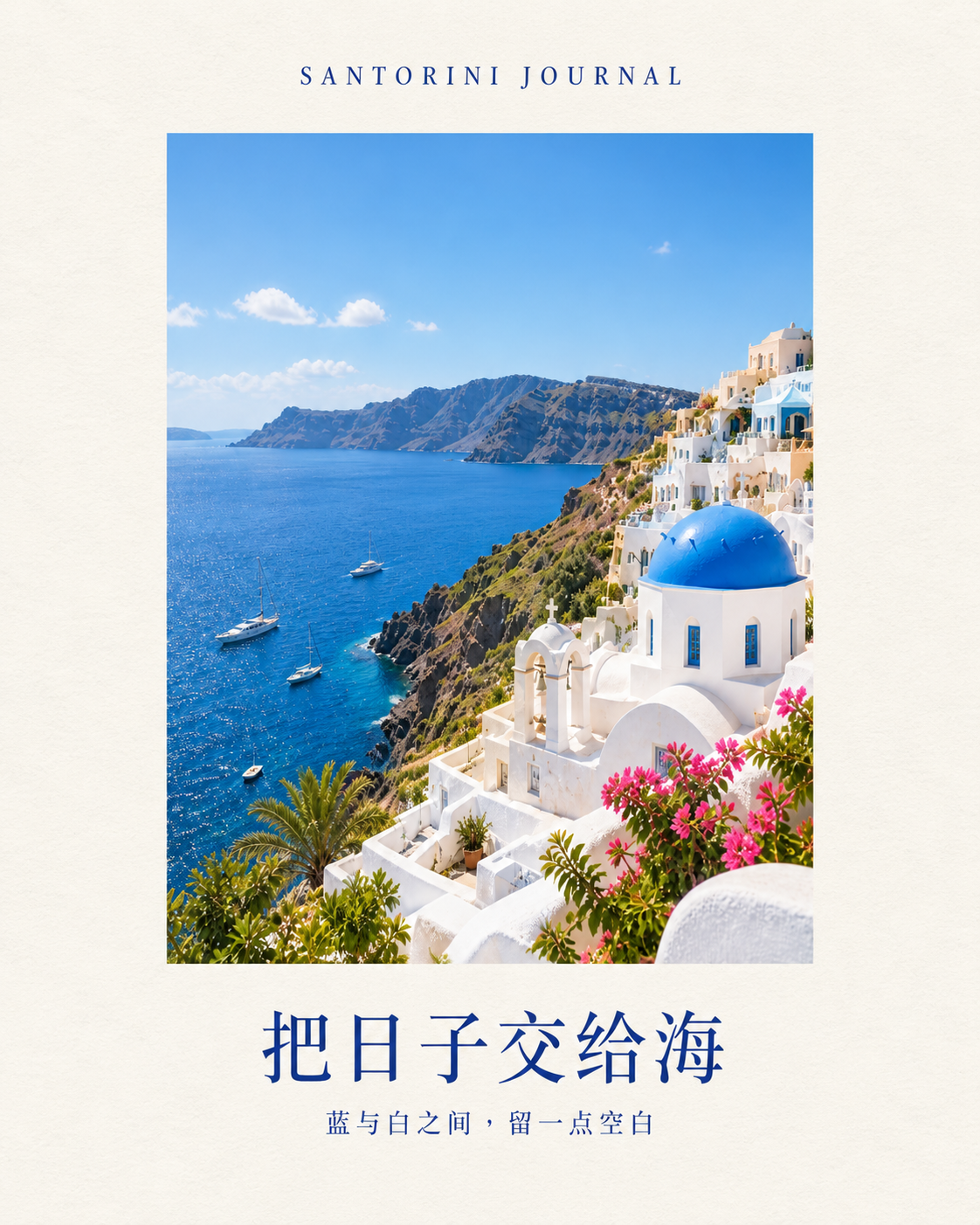






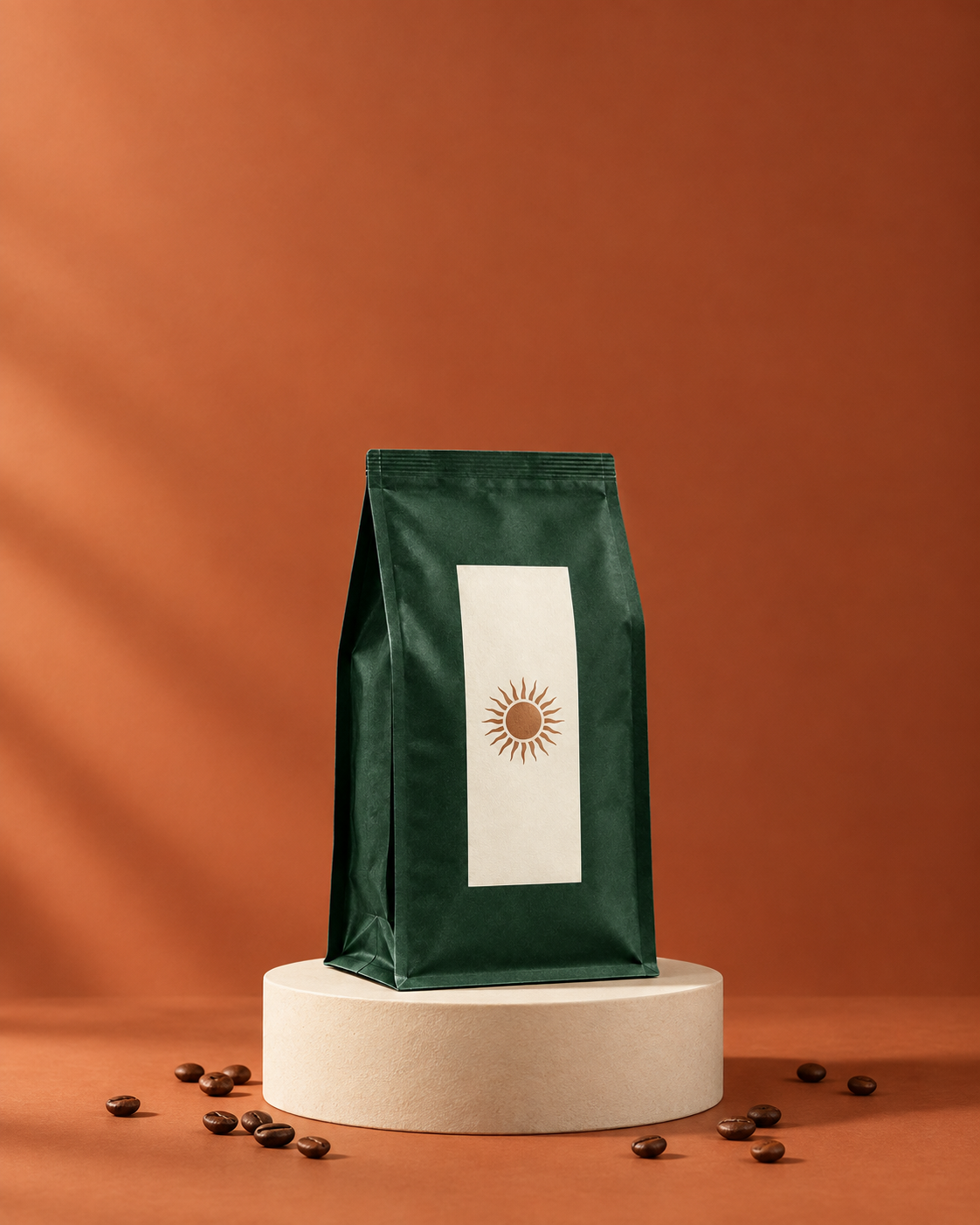
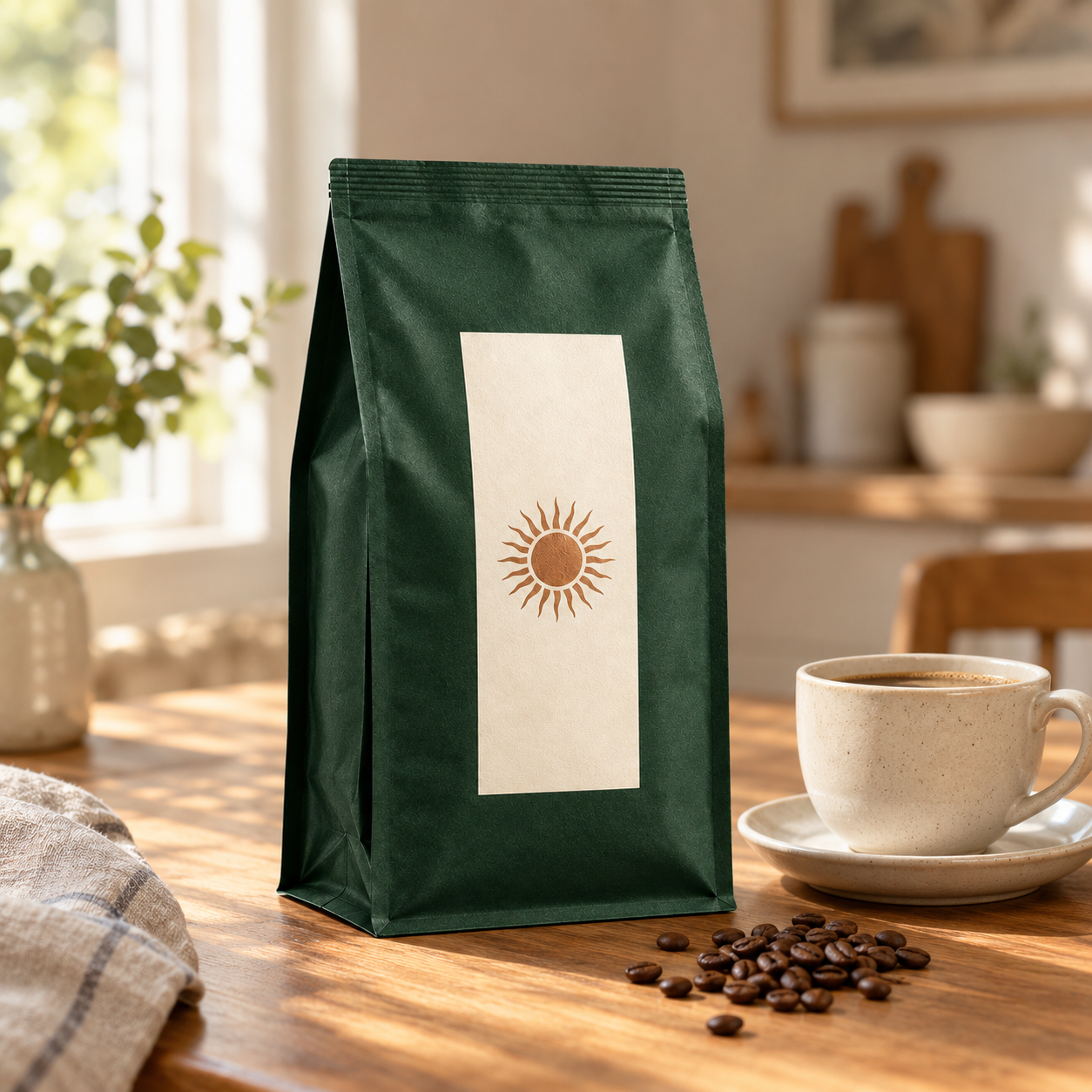
Loading more projects…
Browse without logging in · Log in to copy to your projects
Start with an example. Make it your own.
- Choose a relevant use case. Product ads explore products and backgrounds, travel covers explore photos and layouts, and brand visuals explore consistency across a series.
- Explore the workbench and process. Compare the reference and outputs. Open “About this example” for the steps, and Task history for the original prompts.
- Log in, copy and continue creating. Start new tasks with your own product images, photos and copy. Check the text, image details and dimensions before publishing.
About these Studio examples
Do I need to log in to view an example?
No. Public projects open in a read-only workbench. Log in to copy an example to your projects or start a generation task.
Are the featured examples real Studio outputs and prompts?
Yes. The featured examples include prompts submitted in Studio and the resulting images. The gallery previews show those actual results. Original prompts and text within the artwork remain in Chinese.
How can I use an example for my own content?
Log in and select Copy to my projects, then continue with your own references and copy. Review product details, typography and publishing dimensions. New generation tasks use your account’s applicable credits and pricing.